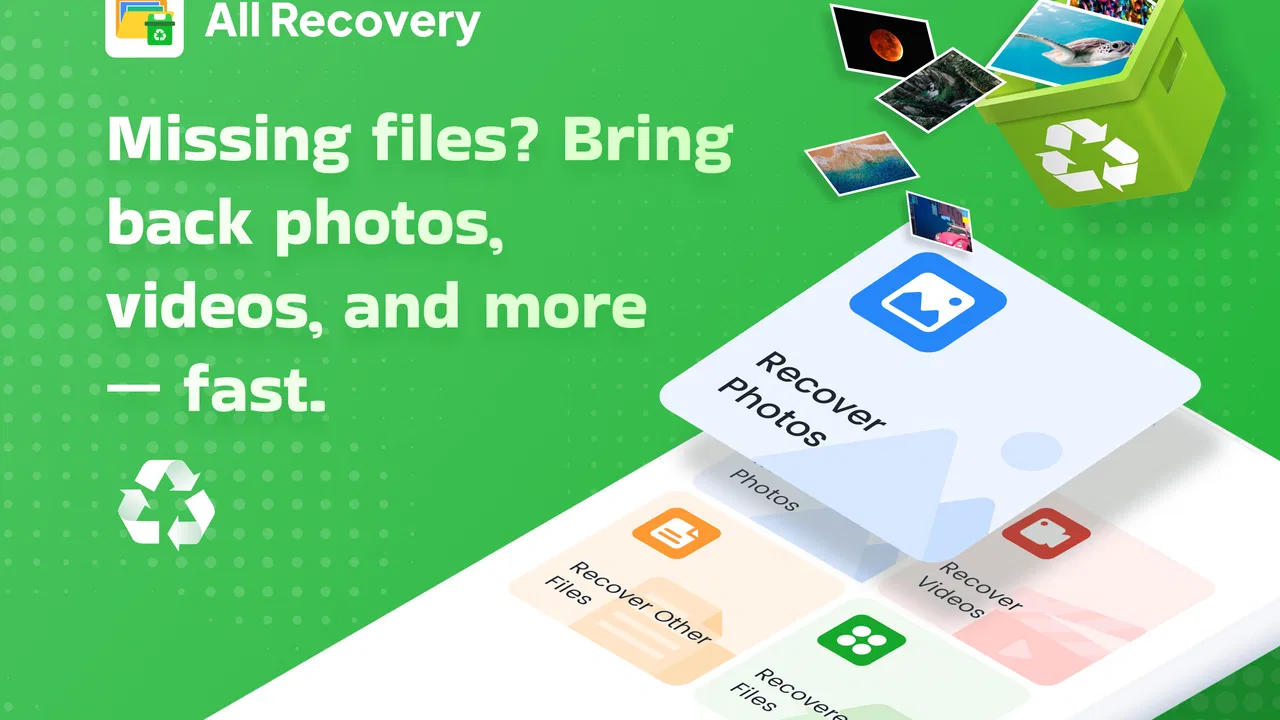
All Recovery
- 4.3
- Rating
- 500.00K
- Installs
- Free
- Price

 Analysis by App-foxy
I approached All Recovery as a practical business utility rather than a flashy tool. Its promise is simple: help bring something back when it has gone missing, using a few taps instead of a long, confusing process. That focus gives the app an immediately understandable purpose, but it also means trust matters more than visual polish. A recovery app can touch personal files, work material, messages, contacts, or other sensitive information, so I paid close attention to the choices it presents and to how comfortable the workflow feels before recommending it.
Developed by VY Technology Services, All Recovery is free and available to a broad audience with an Everyone age rating. It has attracted over one hundred thousand installs and holds a 4.3 average from around one thousand ratings, which suggests that many people find its central idea useful. The app was released on August 11, 2025, and the version I considered is 1.2.10. It belongs to the business category, although its usefulness can extend to anyone who needs a straightforward recovery-oriented tool rather than a full office suite.
What using All Recovery feels like in real situations
The strongest part of the experience is the directness of its purpose. When a file or piece of information disappears, the last thing I want is a complicated dashboard filled with unrelated options. All Recovery is built around the moment after a mistake: something is gone, and I need to determine whether it can be brought back. That makes it especially appealing for people who work from a phone, manage small-business material on the go, or regularly handle documents without access to a desktop recovery program.
You May Also Like

 Blood Strike: 2.5 Anniversary
Blood Strike’s Loadouts Turn Every Drop Into a Tactical Gamble
A close look at Blood Strike’s custom loadouts: how fast access to signature weapons reshapes its battle royale rhythm, rewards preparation, and narrows the gap between fights.

 Pandora - Music & Podcasts
Pandora’s Music Is Easy to Start, but Harder to Recover
Pandora’s strength is its low-effort path from a seed to a station. Its weak spot is how much confidence it asks you to place in connection, setup, and quiet recovery.

 8 Ball Pool
 Is Built on Rivalries, Rematches, and Routine
A close look at the rivalries, rematches, shared routines, and unanswered safety questions that turn a quick pool match into a persistent mobile community.

 Samsung Music
’s Quiet Strength Is Playing What You Already Own
Its reach comes less from spectacle than from dependable access to a personal library. That simplicity is both the app’s strongest retention engine and its ceiling.

 AccuWeather: Weather Radar
AccuWeather Review: A Quick, Clear Forecast for Everyday Decisions
For everyday plans, the best forecast is the one you can understand quickly. AccuWeather makes rain timing, radar, and local conditions easy to act on, with a few trade-offs.

 Hill Climb Racing
Why Hill Climb Racing Still Turns Crashes Into One More Run
A tiny car, a bumpy hill and one more upgrade: Hill Climb Racing keeps resurfacing because its simple chaos makes every near-miss feel personal.
More From Our News Desk



A realistic example would be a small shop owner who removes an invoice image while clearing storage before a customer meeting. With a conventional file manager, the next step may involve checking several folders, a recycle area, cloud storage, and messaging attachments. A dedicated recovery app can make that search feel more focused. I would still treat the result as a recovery attempt rather than a guarantee, but the value is in reducing the number of places I need to inspect manually.
Another useful situation is accidental deletion during routine phone maintenance. People often remove old-looking files quickly, then realize later that one of them was needed for accounting, delivery, or customer support. The app’s appeal is not that it replaces a backup strategy; it is that it gives me a practical first response before I start searching through unrelated services.
That distinction is important. Recovery tools work best when used soon after the mistake and before the device’s storage is heavily reused. New downloads, camera photos, app caches, and system activity can make old information harder to locate. I would therefore open All Recovery as soon as I notice a problem, review what it finds carefully, and avoid filling the phone with new material while I am trying to recover something important.
Where it fits among familiar alternatives
The usual alternative is not another recovery app; it is prevention. Cloud synchronization, regular exports, device backups, and a well-organized file system are generally safer than hoping a deleted item can be restored later. A file manager is also better when the item was merely moved or renamed, because recovery scanning is unnecessary in that case. I would first check the original folder, recent files, trash areas, and any service that normally stores the material.
All Recovery becomes more attractive when those ordinary checks do not answer the question. Compared with a desktop utility, a phone-based tool is more convenient because the device is already in my hand and may contain the missing item. The trade-off is that a desktop workflow can offer a larger screen, more detailed sorting, and better control for complex recovery jobs. For a single lost document or image, the mobile approach is easier. For a large business archive or repeated professional recovery work, I would prefer a more structured backup and desktop process.
It is also worth separating recovery from file organization. If I need to rename batches, compare versions, move folders, or maintain a long-term document system, All Recovery is not the obvious replacement for a capable file manager. Its usefulness is concentrated in the urgent moment when something has disappeared and I need a focused way to investigate.
Trust begins before the first scan
Because this app deals with recovery, I would not install it casually and immediately approve every prompt. My first habit would be to read each request in context and ask whether it makes sense for the action I am trying to perform. A recovery workflow may require access to stored content, but that does not mean I should grant unrelated access simply because the app asks for it.
The safest approach is to give only the access needed for the specific recovery task. If the operating system offers a choice between selected content and broader access, I would choose the narrower option when it is practical. That keeps the task focused and reduces the amount of personal material exposed during an accidental or unnecessary scan.
I would also avoid using the app as a place to browse sensitive material out of curiosity. Recovery results can include filenames, thumbnails, or fragments that reveal private information. A good workflow is to identify the missing item first, scan with a clear purpose, and remove any recovered copy from a temporary location once it has been safely returned to its proper folder.
The developer name, VY Technology Services, is visible as the publisher behind the app, which gives users a clear point of responsibility when evaluating the product. Still, a developer name alone should not replace careful permission review. My trust would come from the combination of understandable prompts, predictable behavior, and the ability to stop or narrow the process when I no longer need it.
Handling data-sensitive moments
The most sensitive point is the scan itself. A recovery search can surface material I had forgotten existed, including old work documents, personal photos, or files that were deleted for a reason. I would not run a broad search while someone else is watching the screen, on a shared device, or in a public place. Even the results list can disclose more than expected.
Before starting, I would close unrelated apps, make sure the phone is not being used by another person, and decide where a recovered item should go. That last step is easy to overlook. Restoring a private document into a visible downloads folder may solve the deletion problem while creating a new privacy problem. A controlled destination, followed by a quick check of sharing settings, is a better habit.
I would also be cautious with business records. A deleted customer document may contain names, addresses, order details, or payment-related information. Recovery should be limited to the person who is authorized to handle those records. If the phone is used by several employees, I would not assume that every user should have unrestricted access to recovered material.
There is a practical trade-off between a thorough search and a narrow search. A wider search may improve the chance of finding an item whose location is unknown, but it can produce more irrelevant results and expose more content. A narrower search is easier to review and more respectful of privacy, but it may miss something stored outside the expected area. I would begin narrowly, using what I know about the missing item, and expand only if the first attempt fails.
How I would use the app without losing control
I would treat every recovery as a short, deliberate workflow rather than leaving the app open indefinitely. First, I would identify the likely file type and approximate location. Next, I would grant the smallest useful access, run the search, and inspect names and previews before restoring anything. Finally, I would confirm that the recovered item opens correctly and then place it in a clearly labeled folder.
That last verification step matters. Seeing a filename does not necessarily mean the file is complete or usable. For an image, I would open it fully. For a document, I would check that the pages load and that the important content is present. For a work file, I would compare it with any remaining copy or related record. Recovery is successful only when the result is actually useful, not merely visible in a list.
I would avoid restoring multiple uncertain copies with similar names. That can create confusion later, especially when a team member assumes the newest-looking file is the correct one. A better method is to restore one candidate, label it as recovered if necessary, and compare it before replacing an existing version.
Another non-obvious precaution is to keep enough free storage for the recovered material. A phone that is nearly full may not handle a restoration comfortably, and a failed save can be mistaken for a failed recovery. Clearing disposable downloads first can make the process more reliable, but I would not delete additional personal content while trying to make room unless I had checked it carefully.
Users may also wonder whether the app is appropriate for confidential material. My answer is cautious: it can be considered for a specific recovery task, but I would not use it blindly for highly sensitive records. I would review the app’s visible privacy and permission choices on the device, use it only on a trusted phone, and avoid transferring recovered files through an unprotected channel afterward. The more confidential the material, the stronger the case for an established backup or managed business system instead.
Who will benefit most from it
All Recovery makes the most sense for people who want a focused mobile option after an accidental deletion. It may suit freelancers, shop owners, students handling work documents, and families who frequently manage photos or files from a phone. It is also approachable for users who find desktop recovery software intimidating and prefer a guided action on the device where the problem occurred.
The free price lowers the barrier to trying it, which is useful when the need is urgent and temporary. I can see the appeal of installing it only when a mistake happens, checking whether it helps, and then deciding whether it deserves a permanent place on the phone. The Everyone rating also makes it broadly accessible, though adults should still supervise how younger users handle private files and permissions.
It is less suitable for someone who expects guaranteed restoration, advanced forensic control, or a complete business continuity system. A company with regulated records should rely on documented backups, access policies, and retention procedures rather than treating a consumer-style recovery attempt as its main safeguard. Likewise, anyone who regularly loses important files should fix the backup routine instead of repeatedly depending on recovery.
I would also skip it when the problem is actually synchronization. If a file was removed from a cloud folder and that deletion propagated across devices, the correct solution may be the service’s own version history or trash feature. Using a recovery app first could waste time and create duplicate copies. Understanding where the original file lived is more important than choosing a tool quickly.
What the current release suggests for everyday use
The current version, 1.2.10, is recent enough to make checking for updates part of my normal routine. Recovery tools depend heavily on how well they work with the phone’s storage rules and operating-system behavior, so I would keep the app updated before relying on it. I would also test the workflow with a disposable file rather than waiting for an important document to disappear.
That test can reveal practical friction: how clearly results are labeled, whether the destination is easy to understand, and whether the app gives me enough control before a file is restored. A small trial is safer than learning the interface during a stressful business problem. I would create a harmless sample, remove it, and see whether the recovery process feels understandable without exposing real personal material.
This is also where the app’s rating provides useful but limited context. A 4.3 average from around one thousand ratings indicates a generally positive reception, while the smaller body of written feedback means I would still judge the experience on my own device and storage setup. Recovery results can vary based on what happened before installation, how much the phone has been used since deletion, and where the original item was stored.
The install base of over one hundred thousand shows that the idea has reached a meaningful audience, but popularity should not be confused with suitability for every recovery case. I would use those figures as reassurance that the app is not an obscure experiment, not as a promise that it can retrieve every lost item.
My cautious verdict after weighing convenience and control
I like All Recovery most as a first-response tool. It gives a person a focused place to start when a file has disappeared, and its free access makes a trial reasonable. The business positioning is understandable because lost documents can interrupt real work, yet the app is simple enough to be relevant to ordinary phone users too.
My recommendation comes with clear boundaries. I would use it soon after an accidental deletion, begin with a narrow search, review every result before restoring it, and verify the recovered copy afterward. I would not grant broad access without reading the prompt, run scans on a shared device, or treat the app as a substitute for backups. Those habits protect the user’s control more effectively than any single recovery result.
If you regularly need to retrieve one misplaced image, document, or other personal file from an Android phone, this is a sensible app to consider. If your priority is long-term document management, cloud version history, enterprise privacy controls, or professional forensic recovery, a different solution will be better. In my view, All Recovery earns its place when the problem is immediate and specific, provided I use it with realistic expectations and keep sensitive data handling at the center of the process.
FAQs for All Recovery
01What is All Recovery and what does it do?
All Recovery is a versatile app designed to help users recover lost data from their Android or iOS devices. Whether it's photos, videos, contacts, or messages, All Recovery offers a comprehensive solution to retrieve accidentally deleted files. It’s a lifesaver for those who need to restore important data quickly and efficiently.
02Is All Recovery safe to use on my device?
Yes, All Recovery is designed with user safety in mind. The app employs secure methods to access and restore data without compromising your device’s security. It does not require rooting or jailbreaking, ensuring that your device remains protected while you recover lost files.
03Does All Recovery support all file types?
All Recovery supports a wide range of file types, including photos, videos, documents, and more. While it excels in recovering common file formats, it’s always a good idea to check the app’s specifications or contact support for details on specific file types you need to recover.
04How user-friendly is the All Recovery app?
All Recovery is designed with a user-friendly interface that makes it easy for anyone to navigate, even without technical expertise. The app provides step-by-step instructions and a straightforward process for recovering data, ensuring a seamless experience for all users.
05Can All Recovery recover data from a damaged device?
All Recovery can recover data from a damaged device, depending on the extent of the damage. If the device is still able to connect to a computer, the app may be able to retrieve data. However, if the device is severely damaged, professional data recovery services might be necessary.
Pros
- User-friendly interface for quick navigation.
- Supports recovery of multiple file types.
- Efficient scanning with customizable options.
- Secure and private recovery process.
- Compatible with both Android and iOS.
Cons
- Limited free version features.
- Requires in-app purchases for full access.
- Occasional false positives in file recovery.
- Longer recovery time for large files.
- Needs internet connection for optimal use.

All Recovery
Gallery